Skip to content
Little Fight NYC Replies at 9am ET (646) 360-0318 Check my website

Software you own, built around your day.

Short answer: You get one focused tool built around how your business already works, and you own it. It replaces the scattered spreadsheets, double typing, and monthly tools that no longer fit.

You get one focused tool built around how your business already works, and you own it.

One clear place for customer questions, follow-up, reports, and daily work. We first check whether a simpler tool can do the job. If we build one for you, you keep the files, data, accounts, and notes.

One focused tool. You own it, the data, the accounts, the website address, and the instructions.

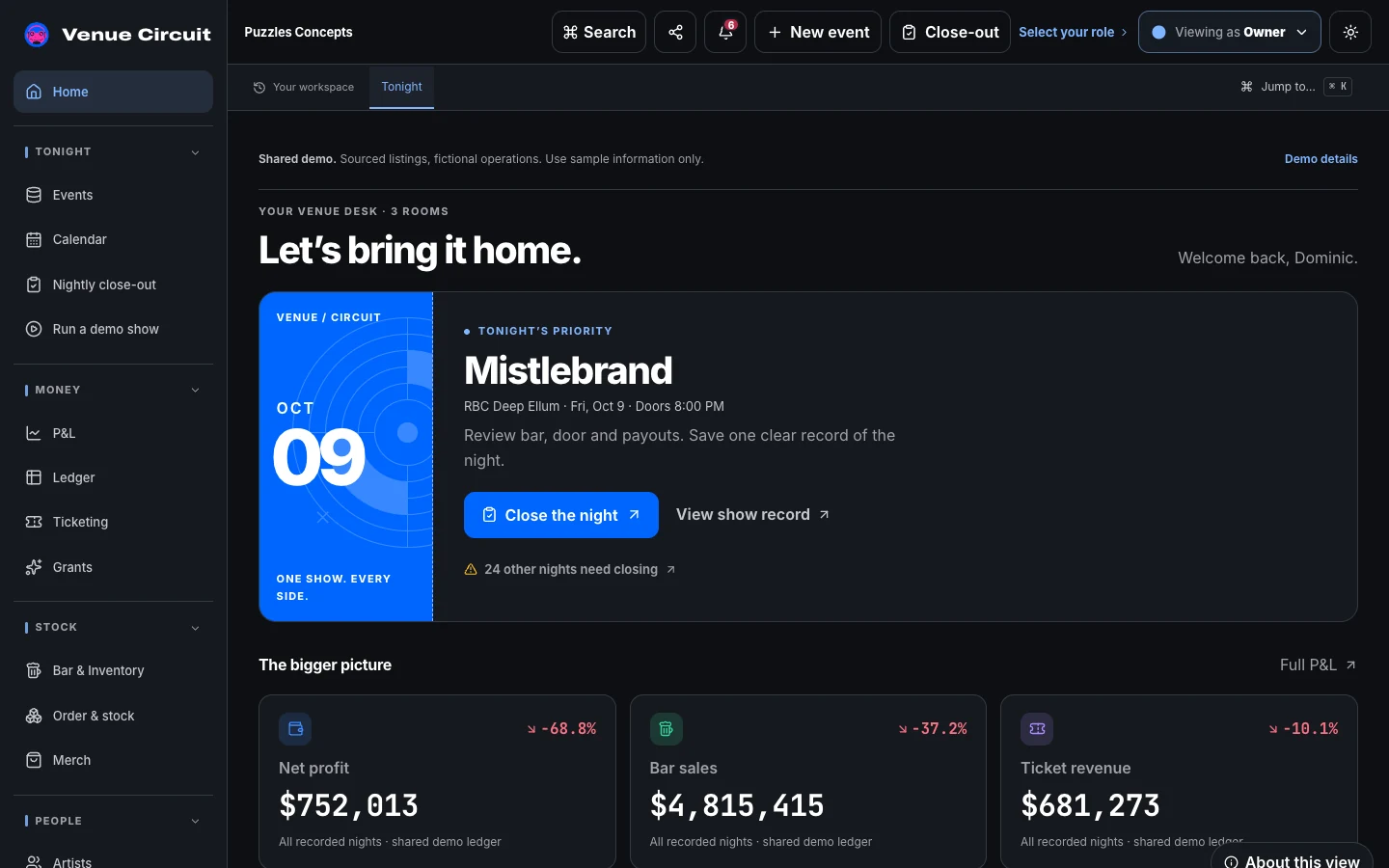
You get one focused tool for the work behind the storefront: the customer list, the job board, the quote, and the owner’s view of the week. You own the files, data, accounts, website address, and instructions.

We start with what you have. What helps? What costs too much? What needs to share information? What truly needs a custom build?

Custom tools are for work a generic app handles badly: new customer questions, inventory, event deposits, or quotes with real rules. The small thing that fits can beat the big thing that fights every step.

Many small businesses run that layer on spreadsheets, inboxes, sticky notes, and memory. The work gets done, but one person becomes the memory for the whole business. One written-down tool makes it less fragile.

Everything we deliver is written down and sized for the job.

What’s included

  • A clear place to track customer questions and work
  • Full ownership of the files, data, accounts, and instructions
  • Simple reports and follow-up reminders you approve
  • Plain notes another qualified person can use if you ever need them
  • A look at the steps and software bills that slow the day down

What we actually walk into

  • Leads come in 4 ways and get tracked in 0 Calls, forms, DMs, walk-ins. Somewhere in the gaps, leads get lost. The fix is usually one simple intake list, not a giant CRM.
  • Two people type the same data twice The front desk types it into booking. The bookkeeper types it again. The owner types it a third time. Three entries, three chances to miss.
  • Reports that eat half a day You pull numbers from five places and stitch them together by hand. One simple view can save Monday morning.
  • A subscription that costs more than it saves A big platform for a tiny job becomes the bill nobody questions. The right move may be downgrade, connect, replace, or cancel.
  • Work locked in one person’s head When that person is out, the business slows down. Writing the steps down does not replace them. It makes the business less fragile.
  • A job no ready-made tool can handle Quoting, specialty inventory, or tricky scheduling can be too specific for generic tools. That is when custom earns its place.

What people are usually wrong about

We need the biggest CRM we can afford.

Usually not. Most small teams need one shared list and a few dependable next steps. A big platform earns its keep only if you keep it current. That takes people and time.

We should just use Airtable or Notion for everything.

Sometimes. Simple tools can be great at the right size. But they have limits when customer details, access, or tricky steps get involved. We tell you when one is enough and when it is only buying time.

Custom is too expensive.

Sometimes. Often the math surprises people. A subscription plus lost staff time can cost more than one focused build. The answer depends on the work, the cost, and how long you will use it.

Custom means we’re stuck with one company forever.

It should not. We write down the files, data, accounts, and how the tool runs so another qualified person can take over if you want. The business owns it all.

If we buy better software, the mess will fix itself.

Software makes every step faster. If the steps are unclear, it makes the confusion faster and pricier. First we name the steps. Then we choose the tool.

Internal tools have to be ugly.

No. Tools staff want to use save time and prevent mistakes. Care matters when people rely on a screen every day.

Common questions

Is custom always better than software?

No. Good tools stay. The right move may be keep, connect, replace, or build. It depends on the work, the cost, and how specific the job is.

What can a small business system include?

Customer questions, follow-up, simple reports, forms, booking, payments, staff reminders, inventory, and quotes. And when nothing fits, a small custom tool built around the job.

Do I own what you build for my business?

Yes. You own the files, data, accounts, website address, and notes. Another qualified person can take it over if you ever want a change. No lock-in. No hostage pricing.

How the work starts

Before recommending anything for this kind of problem, we look at what customers see, where staff repeat work, who controls the accounts, and what the business already pays for. We do not begin by selling a rebuild or another monthly tool.

The next-step list says what to keep, what to fix now, what can wait, and what we still need to learn before anyone should guess.

What you can count on

The first look is free. Some website plans include our written 14-day promise. The plan says which jobs qualify, when the days start, what each side needs to provide, and what you receive if our work is late. Urgent on-site help is a New York service; call so we can confirm the problem and the response. We return missed calls within 2 hours, 9am–9pm Eastern.

Useful Little Fight paths

Call or book your free Tech Audit (646) 360-0318

Book your free Tech Audit